
Trial-run
So from the 8th of March until the 15th, I signed up for the trial-run of Adobe’s creative cloud. The creative cloud is the full suite of Adobe software programs where you can share things via the cloud, and your software updates as soon as there is a new version available. Normally each program is expensive by its own right, Adobe Premier Elements was 99 USD for the stand-alone program but then its yours- with all of its faults and benefits.
The advantage of a Creative Cloud is that you can install it on many devices and share things with yourself depending on where you are and which devices you have access to at that particular time. For example if you’re on the train, and you think…’oooh I have a great idea for a video edit, I wonder if that will work, you can just go onto your mobile device/ tablet have a little play around, sketch out an idea actually in the program, and then send it to yourself for editing on a laptop later.
The Adobe creative cloud has access to ALL the programs, whereas downloading one by one like before, you really have to choose which ones you want. You’ll probably know Adobe from any pdf document, or from their Photoshop software which has been making models more beautiful for years.
As you can see from below, or this link, there are quite a few programs… it’s difficult just to pick just a few and you never know what you’re creatively limiting yourself too because its too expensive to try the others.
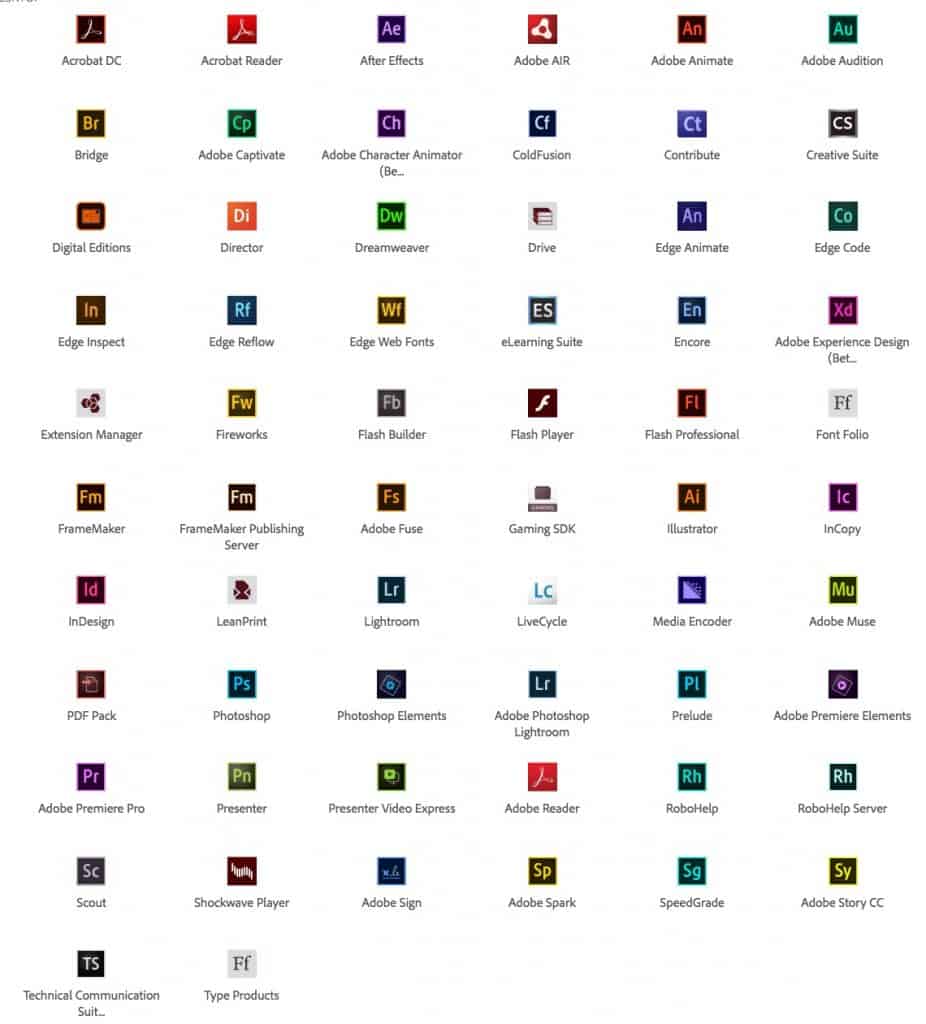
Plus, now there are so many programs that interact with each other, and to get a better ‘work-flow’ its advised that you use certain program first, then send pre-edited files to a different program and then you can use that program to make all the necessary changes and create a finished product.
The reason why I did this trial run, as many of you may be wondering, is because my partner in the moto-vlog joint channel downloaded because he was wanting to gain extra features that Adobe Premier Pro offers over the Premier Elements (basic version). Adobe Premier is a video editing software by the way.. so now it kind of makes more sense.
We had several calls with TeamViewer so he could show me his screen and I could see what he’s discovered. What he introduced to me was Adobe Prelude- which is one of these pre-programs to use in-sync with Adobe Premier Pro (the video editing software). So it allows you to go through all your raw footage and makes sub-clips from original clips, and then name these and make comments, then you can arrange them and send them to Premier Pro. It honestly just makes everything much neater and faster to deal with. Instead of having to continuously come back to the same 10 minute raw video footage clip you now have all your little clips available and ready to order with this program.
So for that 1 program I was wanting to see what this Adobe Creative Cloud thing was all about… I could already see some value in it. And then the Premier Pro thing, whilst the Elements (dumbed down version of Adobe’s video editing program) is great because it allows you to do a great many things relatively easily, Premier Pro just takes the level of things you can do to new levels. And adds that extra degree of professionalism… ironic right? Premier Pro… professional…. Yeah, the answer is no.
For our purposes it’s good to have Galen and I on the same page in terms of software that we’re using because professionalism is all about consistency as well. Also we’d be able to make new titles to convey information, edit audio files better, make more interesting logos / animations and generally be able to create more exciting and well put-together videos.
So I had a try. Now for the Adobe creative cloud trial-run, you’ve only got 7 days, which is not a lot at all. In fact, it makes sure that you choose a 7-day period where you know you will be able to work on stuff and then just go for it all out.
Prelude, was exactly what I thought it would be, and it was pretty intuitive. But I spent too much of my time on that sorting out my videos (specifically from the Ordos racetrack)
And then I only had 3 days to spend on Premier Pro.
To be honest you can download them separately and I was stupid to download them at the same time, because I just ended up wasting time.
So Prelude.
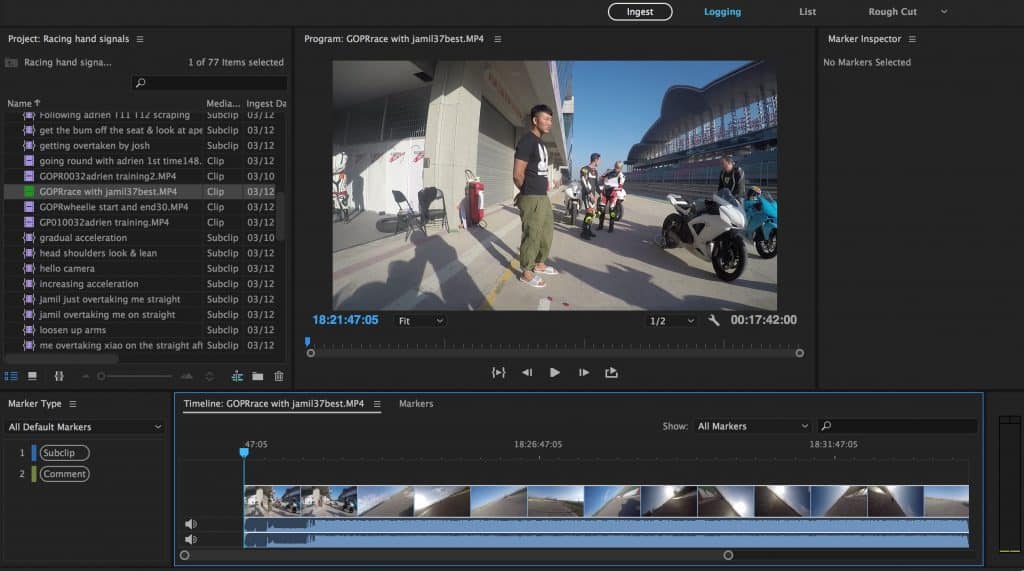
Love this program. You basically just ‘ingest’ a raw clip, watch it, and then add ‘in’ and ‘out’ markers to make a sub-clip or a comment clip. And then you can either Export those clips by itself (to share them with friends) or send them to Premier Pro for further editing and compiling into a whole video.
Once you mess around for a bit, it’s very intuitive.
On the left hand side is all the little sub-clips I’ve made. 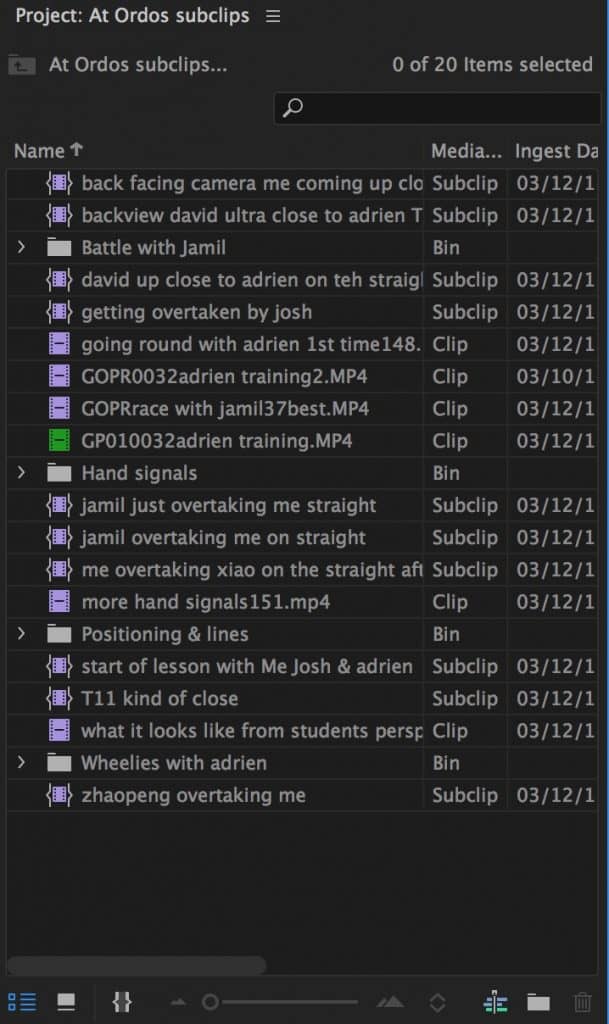 All of these, by the way I Exported into .mp4 files so they’re viewable by themselves. Its mainly because I was scared I was going to lose them, but I can also share them with people if you want. As I already have done for a friend, the guy that runs Blackbridge racing so he can make his own video.
Premier Pro…not so intuitive. In fact, before I watched the really basic videos …I actually had zero idea of how to do anything. Like zero.
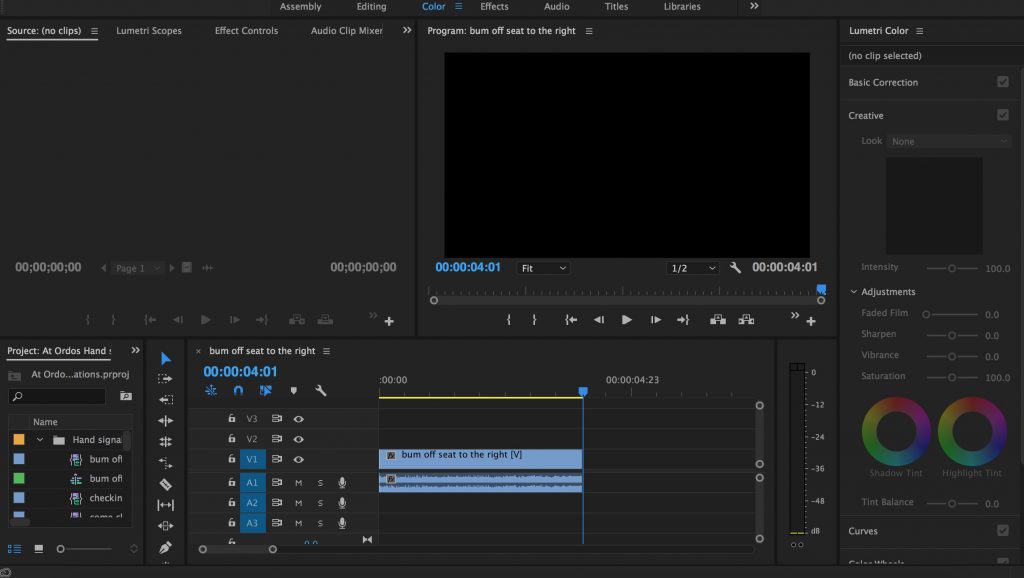
Its just so busy, it so complicated and if you ‘mess around’ to learn stuff you just don’t learn anything because it’s not really intuitive.
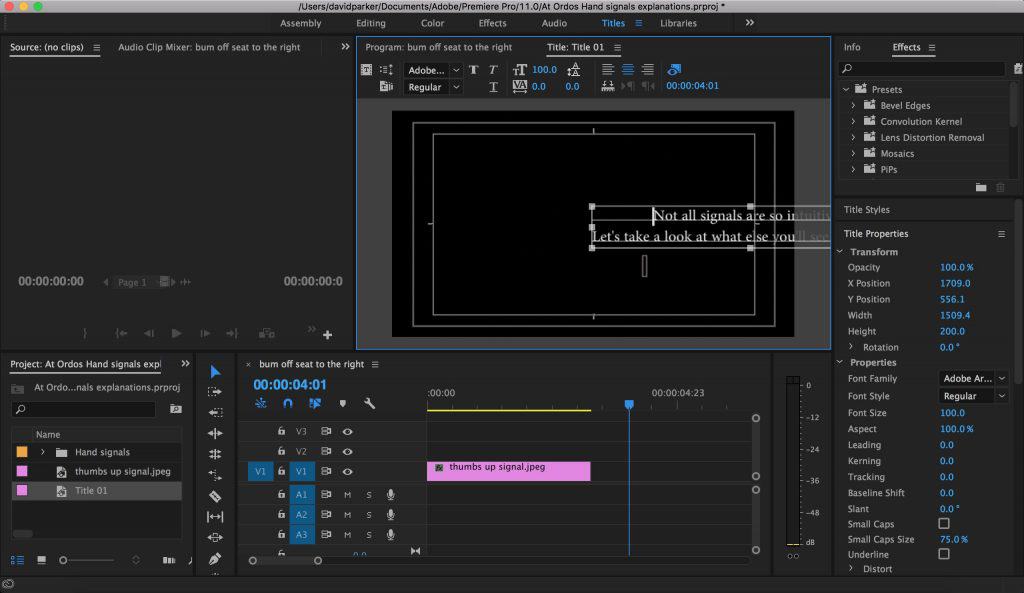
Adding titles seem to be way more difficult than in the dumbed down Elements version.
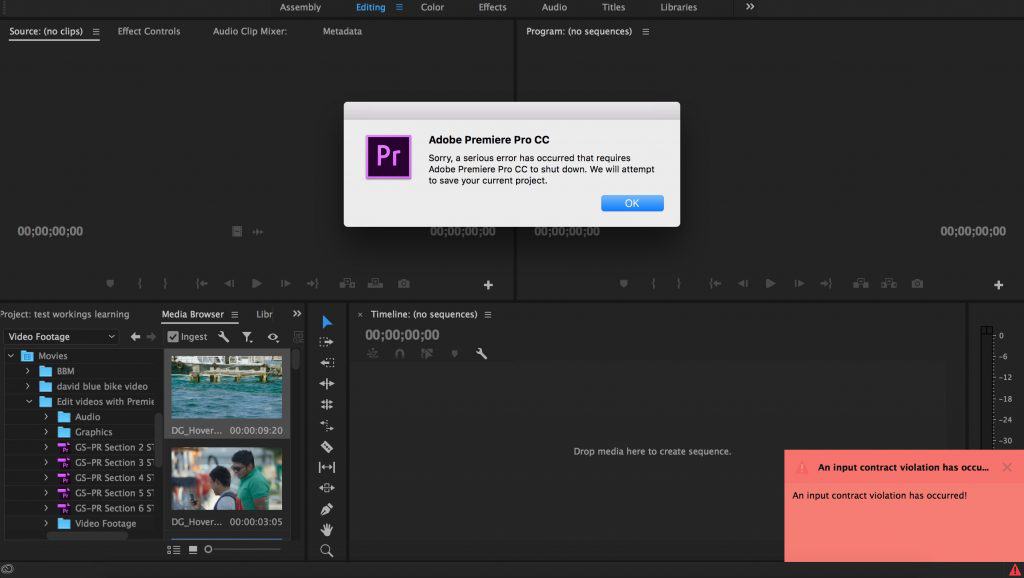
I failed at something… I have no idea what.
So, upon Galen’s insistence, which I thank him for I watched Terry White. Specifically this video:
How To Get Started with Adobe Premiere Pro CC – 10 Things Beginners Want to Know How To Do
It even describes the formats the are the correct ones to use, specifically the H.264 in terms of creating a decent high quality output format.
For anyone getting started with Premier Pro, I would definitely recommend this.
But then when I went to Premier Pro to put all this theoretical knowledge to the real test… I still failed.
Then… I tried to Adobe ‘beginner’ tutorials, which I would normally think… yeah but they’re for old people and retards. I can assure you their programs are not intuitive for beginners and so their basic tutorials are great to get you started.
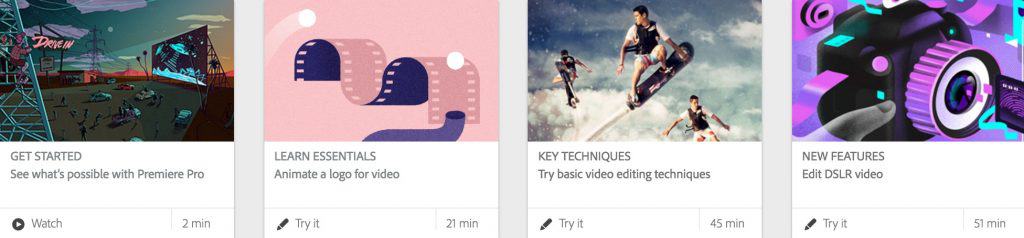
https://helpx.adobe.com/premiere-pro/how-to/edit-videos.html
You download some files, and then follow the tutorials on how to do the basic stuff, and its great. It helps a lot.
After a while I was starting to get the hang of it, but you really have to have some of your own video that you want to edit and want to have a direction that you want to go in, because if not… you , well at least I don’t have the drive to just learn how to do everything for the sake of it , or ‘just in case’ but if you have something in mind that you want to do then you push yourself to understanding how to do it.
For example I wanted to have 1 central screens expanding out to 4 individual screens, of which all of them would play a different video at once, and then finish on 1 video in 1 corner coming back into full screen at the end. All put to music.
For a 20 second clip I took 5-6 hours of learning how to do stuff to get it just right, as well as talking to Galen and my brother to see if they knew. Galen once again helped a lot… it has to do with ‘keyframes’ for position and scale.
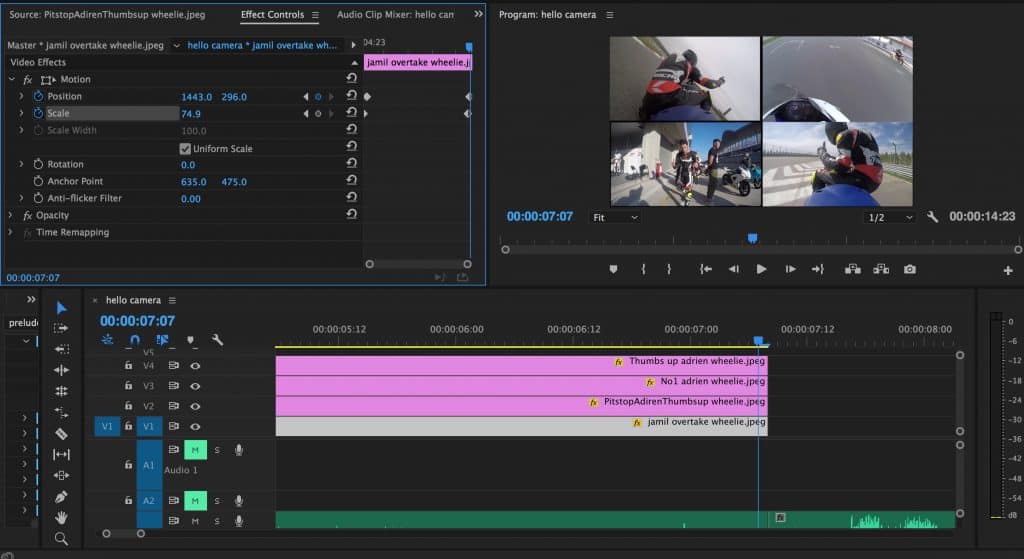
Anyway check out the video.
So final result, am I subscribing to the Adobe Creative cloud?
In short, yes. I’ve only really discovered 2 out of the many program available. I have downloaded Photoshop as well and have begun doing to basic tutorials with that, which I think would prove to be a useful skill to have.
Pricing
But the thing is… it is expensive. Its 50 USD a month. Once you don’t pay for a month .. I guess you can’t use it anymore… but during that time you have access to all the programs if you wish. In my mind this kind of pricing is more orientated towards designers not for individuals, because for individuals it’s pretty damn expensive. But… it depends where you buy, or at least where you choose your country to be from. For example if you buy in Australia (your credit card/ debit card is from Australia)
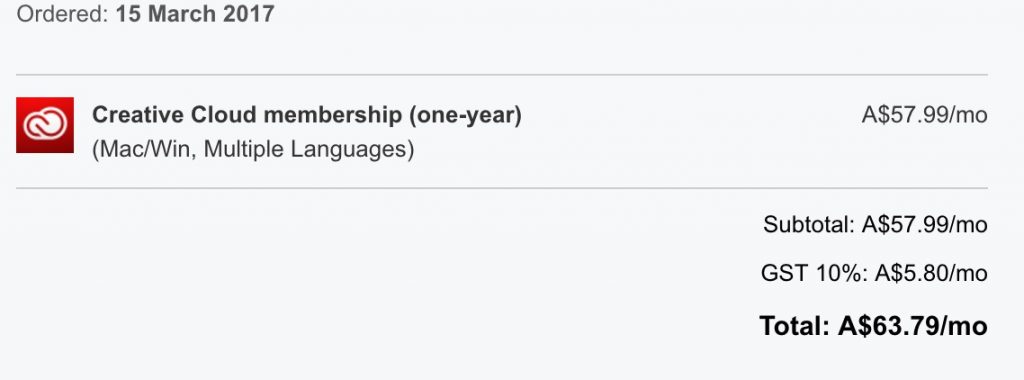
Which works out to be around 45 euros, whereas in the Netherlands….
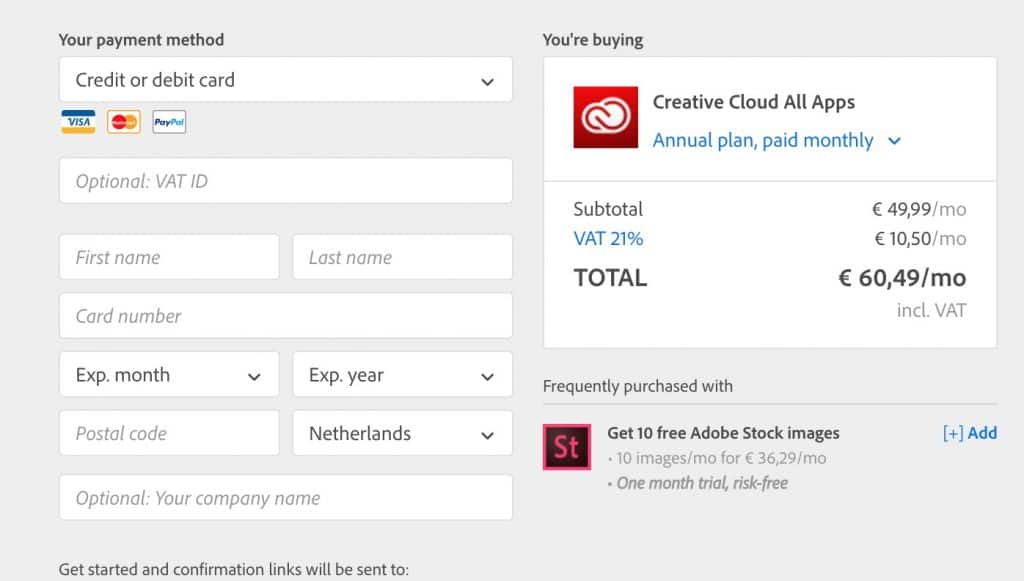
It’s 60.5 euros. Just because of the 21% VAT. I think this would be the same as the rest of Europe.
It’s strange because its an online digital product and just depending on where you card is from determines how much you have to pay.
So it is expensive, you can see that. But the way Galen and I are justifying it is that because of the price you are incentivised to use it more… to really get your money’s worth. Also, and this may just be a China thing because the social culture is a bit different there, just don’t go for so many beers when you go out, and it’s already paid for itself. China (big cities) has a pretty big drinking culture… and a lot of money gets wasted on that.
So… what am I working on now?
I’m trying to compile a video on the different hand signals that’s used by an instructor when training students at a motorbike racetrack. All footage is taken from my 1st track weekend at Ordos (Inner Mongolia, China) in June 2016 done through my friend’s company, Blackbridge racing.
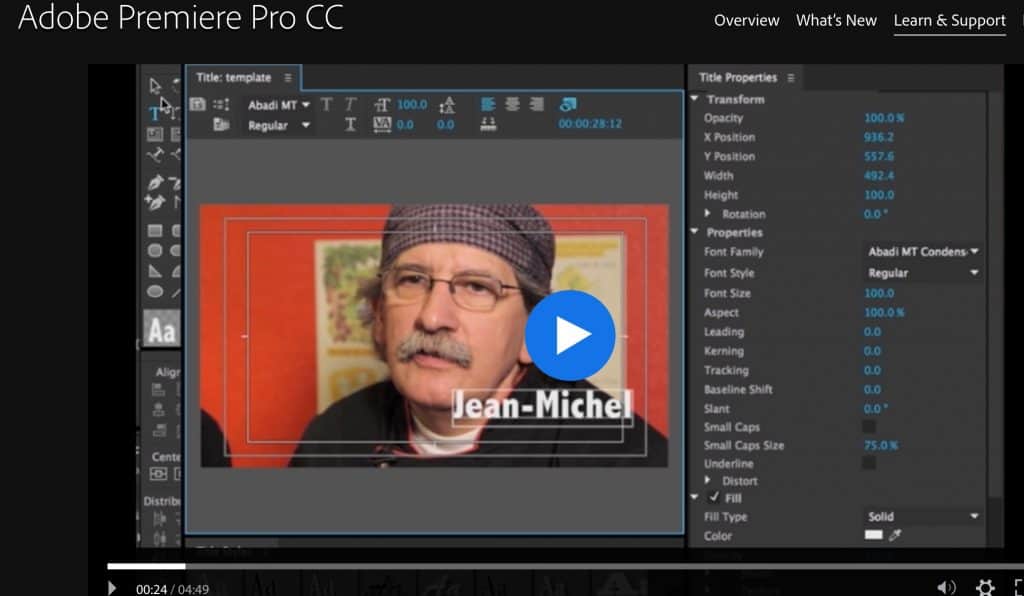
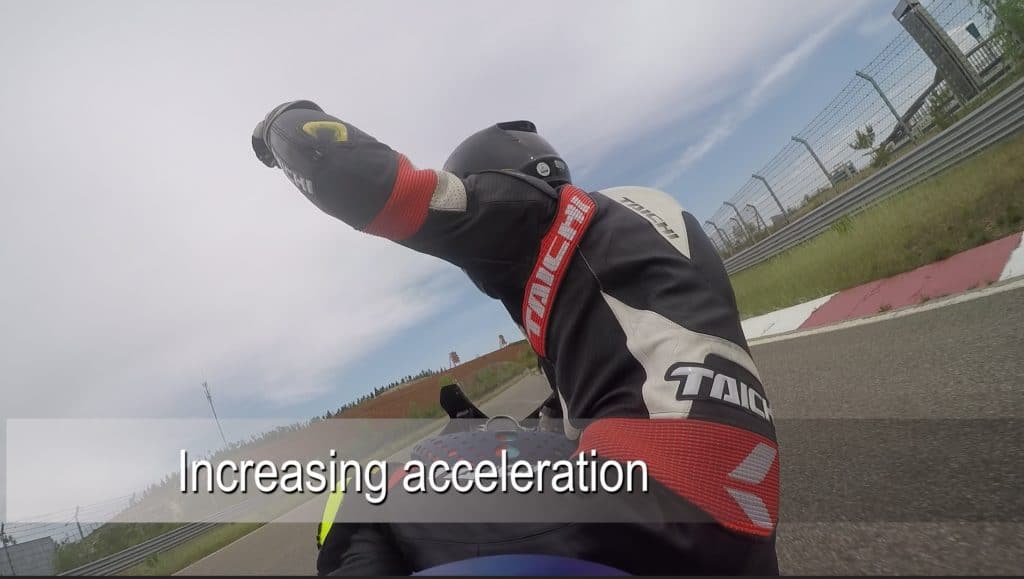
And the next video I’ll be working on will be a race between Adrien (Blackbridge’s instructor & the guy in the picture) and his friend Jamil. For which the special feature… and tricky thing I’ll be adding is a racetrack progress monitoring animation in the top right/left hand corner so you can see which corner/ straight they are in at all times. 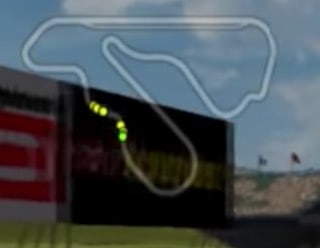
(something like this, screen shot taken from Gran Turismo 3 gameplay)
This is something I’m going to have to learn on a different Adobe program called After Effects. I’m looking forward to it, but it’s just that the titles are kicking my arse at the moment for my current video.
Progress for Galen and mine’s joint channel
Galen and I will be editing our own separate videos for which we will eventually upload onto the joint channel, but will be deciding individually what we want to focus on depending on what skills we want to learn/ get used to with these programs.
Then… then, the plan is that we’ll be able to attack a feature length video with professionalism and ease. And because we’re both now using the Creative Cloud we’ll be able to share material more easily and edit more consistently.
Recommendations?
Anyway, so far I would recommend this whole thing provided you actually have a project to work on. It is definitely not worth it if it’s just going to be something that you don’t use often, or have it just in case. Mainly because it is expensive, and it takes quite a bit of learning to get to a stage where you know what’s going on …even for basic stuff… and it’s basically just a huge investment of time.
For video editing if you only need to do basic-intermediate stuff and still have a reasonably professional video quality, then I would definitely recommend Adobe Premier Elements. You can do most of the stuff you want there. But if you want to play around with stuff… and generally perfect things… then I think this Creative Cloud is the way to go. Plus, once you have learnt how to do things, the programs you have at your disposal allows you to have much better work-flows and organises things better in your head.
Look forward to some more interesting videos soon.





Recent Comments